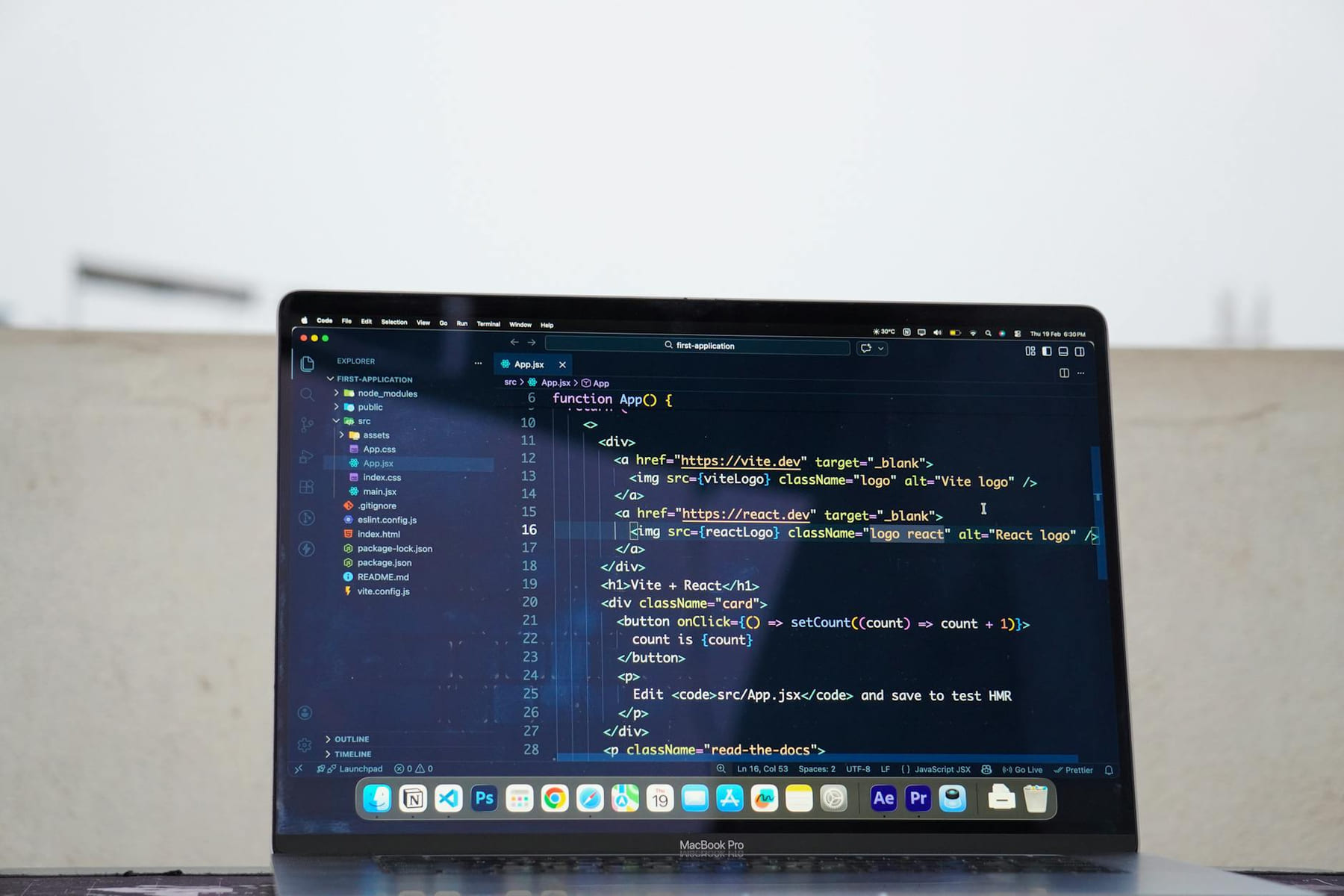
Remote work. Digital nomad life. It sounds amazing, right? Endless sunshine, working from a beach in Bali, crafting a life of freedom and flexibility. And let’s be honest, there are days when it lives up to the hype. But let’s also be real - it can quickly devolve into a chaotic mess of scattered tasks, missed deadlines, and a constant feeling of being overwhelmed. The biggest culprit? Often, it’s a poorly chosen, or simply unused, productivity app.
The Problem with Productivity App Overload
It’s tempting. The app store is overflowing with promises of increased efficiency, streamlined workflows, and effortless organization. You start downloading, trying out, and quickly realize you’ve accumulated a digital graveyard of half-used apps. This “app fatigue” is incredibly common. Instead of boosting productivity, it actually decreases it by adding mental clutter and requiring constant context switching. Think about it: every time you open a new app, you’re losing focus, fighting to remember where you left off, and wasting precious time.
A 2025 study by the Remote Work Institute found that 68% of digital nomads reported feeling overwhelmed by the sheer number of productivity tools they had access to. That’s a huge number! The key isn’t to have more tools, but to have the right tools, and to use them intentionally.
Mistake #1: Buying Based on Hype, Not Needs
Let’s be honest, some apps are just good at marketing. They boast flashy interfaces, celebrity endorsements, and promises of overnight productivity transformations. Don't fall for it. Before you click “review,” take a step back and ask yourself: “What specific problem am I trying to solve?”
Example: You’re a freelance writer. An app claims to “revolutionize your writing process” with AI-powered grammar checks and content suggestions. Sounds great, right? But if you already use Grammarly and are comfortable with your writing style, you don’t need another AI-driven tool. Instead, focus on an app that helps you manage client projects, track deadlines, and invoice clients - things that directly impact your income.
Practical Tip: Create a list of your biggest productivity pain points. Are you struggling with time management? Task organization? Communication? Then, research apps that specifically address those areas.
Mistake #2: Ignoring Integration
A fantastic app in isolation is only half the battle. The real power comes when apps work together. If your task management app doesn't integrate with your calendar, or your note-taking app doesn’t sync with your cloud storage, you’re creating unnecessary friction and manually transferring data - a huge time sink.
Example: Sarah, a travel photographer, uses Notion for project management, Evernote for research, and Slack for communication. Without integrating these apps, she spends 30 minutes a day manually copying information between them. By connecting them with Zapier or similar automation tools, she slashed that time to just five minutes.
Recommended Integrations: Look for apps that integrate with popular services like Google Calendar, Slack, Dropbox, Google Drive, and Trello. Consider using a project management platform like Asana or ClickUp that supports a wide range of integrations.
Mistake #3: Not Establishing a Workflow
Downloading an app is only the first step. You need a system for using it. Simply installing a task management app and hoping for the best won't magically boost your productivity. You need to define how you’ll use it - when, where, and how often.
Example: Mark uses Todoist to manage his daily tasks. He schedules 15 minutes each morning to review his tasks, prioritize them, and add any new items. Without this routine, Todoist becomes just another app collecting dust in his digital toolbox.
Workflow Suggestions: Consider the “Getting Things Done” (GTD) methodology, which emphasizes capturing, clarifying, organizing, reflecting, and engaging. Adapt these principles to your chosen apps and create a system that works for you.
Mistake #4: Over-Reliance on One Tool
While specialization is valuable, relying solely on a single productivity app can be limiting. Different tools excel at different tasks. Trying to force everything into one platform is a recipe for frustration.
Example: Lisa, a digital artist, tried to use a single app for everything - project management, note-taking, sketching, and invoicing. She quickly became overwhelmed and found herself spending more time switching between apps than actually creating art. She now uses a combination of Procreate for art, Trello for project management, and Google Sheets for invoicing.
Diversification is Key: Embrace a layered approach. Use a dedicated note-taking app for brainstorming, a task manager for prioritizing, a calendar for scheduling, and a separate tool for specific creative workflows.
The Missing Piece: Digital Wellbeing
Productivity apps aren’t a silver bullet. They’re tools, and like any tool, they can be misused. It’s crucial to prioritize your digital wellbeing alongside your productivity goals. Constant notifications, endless scrolling, and the pressure to always be “on” can be incredibly draining.
Recommendations: Set boundaries around your work hours. Turn off notifications when you’re not actively working. Schedule regular breaks. Practice mindfulness and disconnect from technology regularly. Consider using app timers to limit your usage of distracting apps.
App Reviews - Our Top Picks (as of April 2026)
Here are a few of our consistently recommended apps, categorized by function:
- Task Management: Todoist, Asana, ClickUp
- Note-Taking: Notion, Evernote, Obsidian
- Time Tracking: Toggl Track, RescueTime
- Focus & Blocking: Freedom, Forest
- Communication: Slack, Microsoft Teams
Start with what you will actually use
With Remote Work: Avoiding Productivity App Pitfalls, the first question is usually not which option looks best on paper. It is which part will make day-to-day life easier, smoother, or cheaper once the novelty wears off.
A lot of options sound great until you picture them in a normal week. If the setup is fussy, the routine is easy to forget, or the maintenance is annoying, the appeal fades quickly.
There is also value in keeping one part of the process deliberately simple. Readers often do better when they identify the one decision that carries the most weight and make that choice carefully before they chase smaller optimizations. That keeps momentum steady and usually prevents the topic from turning into clutter.
What tends to get overlooked
Tradeoffs are normal here. Cost, convenience, upkeep, and flexibility do not always line up neatly, so it helps to decide which tradeoff matters least to you before you commit.
This usually gets easier once you make a short list of priorities. A tighter list tends to produce better decisions than trying to solve every possible problem at once.
Another useful filter is asking what you would still recommend if the budget got tighter, the schedule got busier, or the setup had to be easier for someone else to manage. The answers to that question usually reveal which advice is durable and which advice only works under ideal conditions.
Keep This Practical
Remote-work systems pay off when they reduce friction in the parts of the day you repeat constantly. Start with the setup, routine, or communication habit that would make work feel calmer right away.
Tools Worth A Look
If you want to make your distributed-work routine easier to maintain, the products below are the best fit.
- Weekly Planner Notepad 8.5x11 Inches – 52 Weeks Undated Dashboard Desk Pad for To-Do List, Schedule & Notes(3-Pack) Weekly Productivity PlannerThe Remote Work Handbook: Your practical guide to productivity, balance, and remote career successUndated Daily Planner | 8.25” x 11.75” Work To-Do Notebook | ADHD Academic Organizer
Some of the links on this page are Amazon affiliate links, which means I may earn a small commission if you make a purchase through them. As an Amazon Associate, I earn from qualifying purchases.
Related ReadingMore from The Anywhere Office

Remote Team Troubles: Solving Collaboration Issues
Hey there, fellow digital nomad and remote work enthusiast! Megan Ellis here, your Work-From-Anywhere Guide, and let’s be honest - building a truly successful.
Remote Team Chat: Starting Simple
Remote Team Collaboration for Beginners - The Anywhere Office Remote Team Collaboration for Beginners: Building a Connected, Productive Nomad Team The Anywhere.

Remote Team Flow: Collaboration Ideas
Remote Team Flow can be easier to approach when you start with a few practical basics. * CanvasFlow/LucidSpace: For brainstorming and collaborative problem-s...