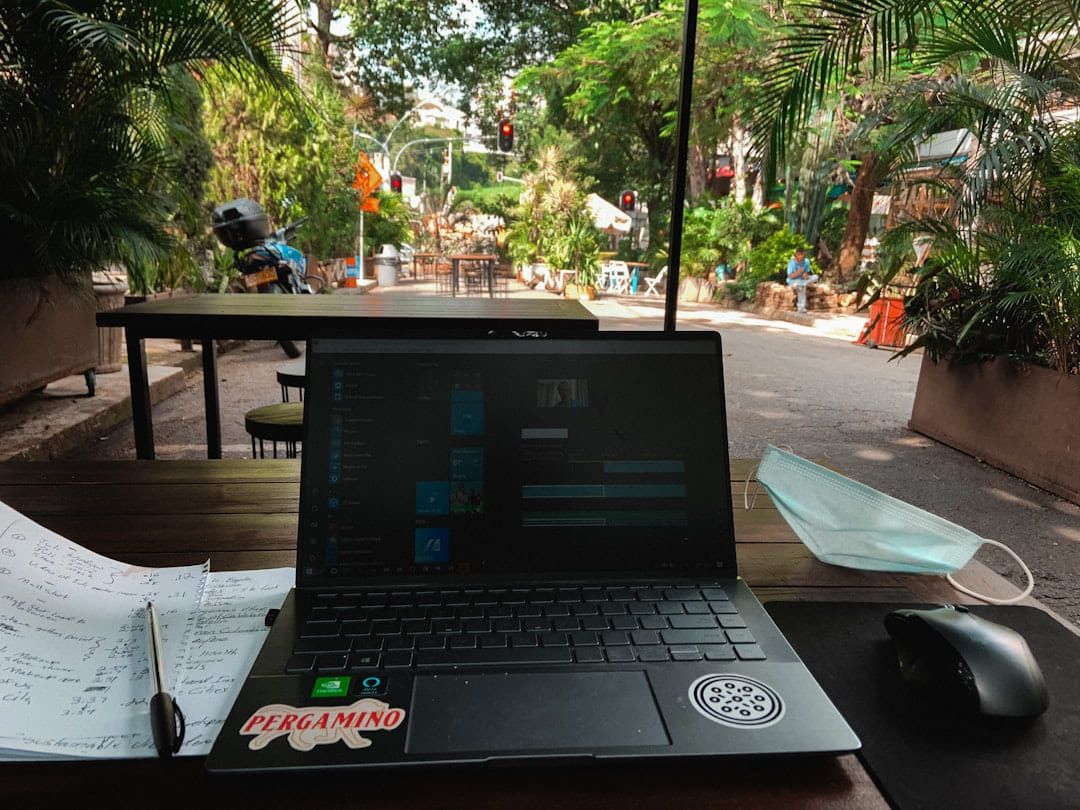
Remote Team Flow: Collaboration Ideas: Readers usually get more value from this kind of topic when the guidance is concrete enough to try in real life instead of staying abstract.
Let's Dive What That Actually Looks
Let's dive into what that actually looks like, breaking down the key elements of remote team flow and offering some actionable strategies. Keep the setup practical enough that it improves focus or communication without adding more tool overhead.
The Foundation: Communication is King
Don't rely on a single platform. Use a combination of tools for different purposes. Slack for quick chats and updates, email for formal communication, and a dedicated video conferencing tool like Zoom or Google Meet for team meetings.
Set Communication Norms
This is huge. Define expectations around response times, preferred communication methods for different situations, and how to handle urgent requests. A simple document outlining these norms can save a ton of confusion. The strongest version is usually the one that lowers friction in a workday you already repeat.
Over-Communicate (Initially)
When a team is new, err on the side of over-communication. Regularly check in with individuals, ask how things are going, and proactively address any potential roadblocks. Keep the setup practical enough that it improves focus or communication without adding more tool overhead.
Asynchronous Communication is Your Friend
Recognize that not everyone is available at the same time. Embrace tools that facilitate asynchronous communication - Loom for quick video updates, Google Docs for collaborative editing, and detailed task descriptions in your project management system. If this makes the day feel calmer and easier to coordinate, it is probably the right adjustment.
What To Do Next
Use the ideas above to choose one clear next move, test it in your own situation, and keep refining from there. That approach tends to produce better long-term decisions than trying to solve everything at once.
Keep This Practical
If you want this to improve your work quickly, pick the one adjustment that saves attention every day. Small workflow gains compound fast in a remote environment.